Hate Watch / Rival alerts / UFC
UFC rival alerts
A fight card can turn in a second, and the person you came to see lose does not always do it on schedule. Hate Watch follows the fighters you track and tells you when they walk out, when they go down and how the fight ends.
What you get alerts for
UFC is about fighters, not teams: you track a fighter, and the alerts are about their fights. You can get an alert when your target:
- Walks out, about six minutes before the bell, with their weight class and the number of rounds;
- Gets knocked down, live;
- Loses a fight, with how and when: a knockout, a stoppage, a submission or a decision, with the round and time;
- Loses a title fight;
- Loses as the favorite, with the odds, when the betting line gave them 60% or better;
- Is on a losing streak of two fights or more.
A knockdown that ends the fight is a line on the loss, not two alerts. If you track both fighters in a fight, you get one walk-out alert for it.
Which ones buzz your phone
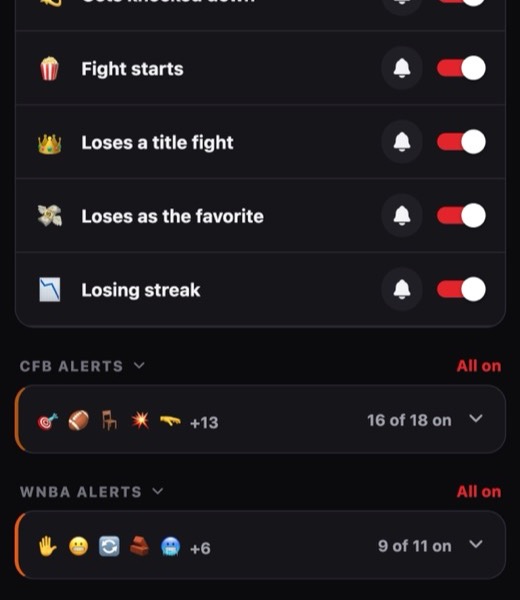
Every UFC alert pushes by default, because a card is short and every fight on it counts. You can turn any of them to feed only or off in Settings, for all fighters or for one.
When the fight ends
The loss alert is the main one. It says how the fight ended, such as a TKO in round two or a split decision, and adds lines if the fight was for a title, if the fighter was the favorite, or if it is their second loss in a row.
Picking a target
The champion nobody will let lose, the fighter with the mouth, the one who always goes to the judges: a fight card has all of them. Hate Watch watches a card from an hour before it starts, so tracking someone ahead of fight night is enough. Search for a fighter and tap Track.
For how the three alert settings work and what the loss alert adds, see how rival alerts work.
Track a UFC fighterFree. No account. Push alerts need the iPhone or Android app.
Other leagues: NFL, NBA, MLB, WNBA, NHL, College football, Premier League, F1